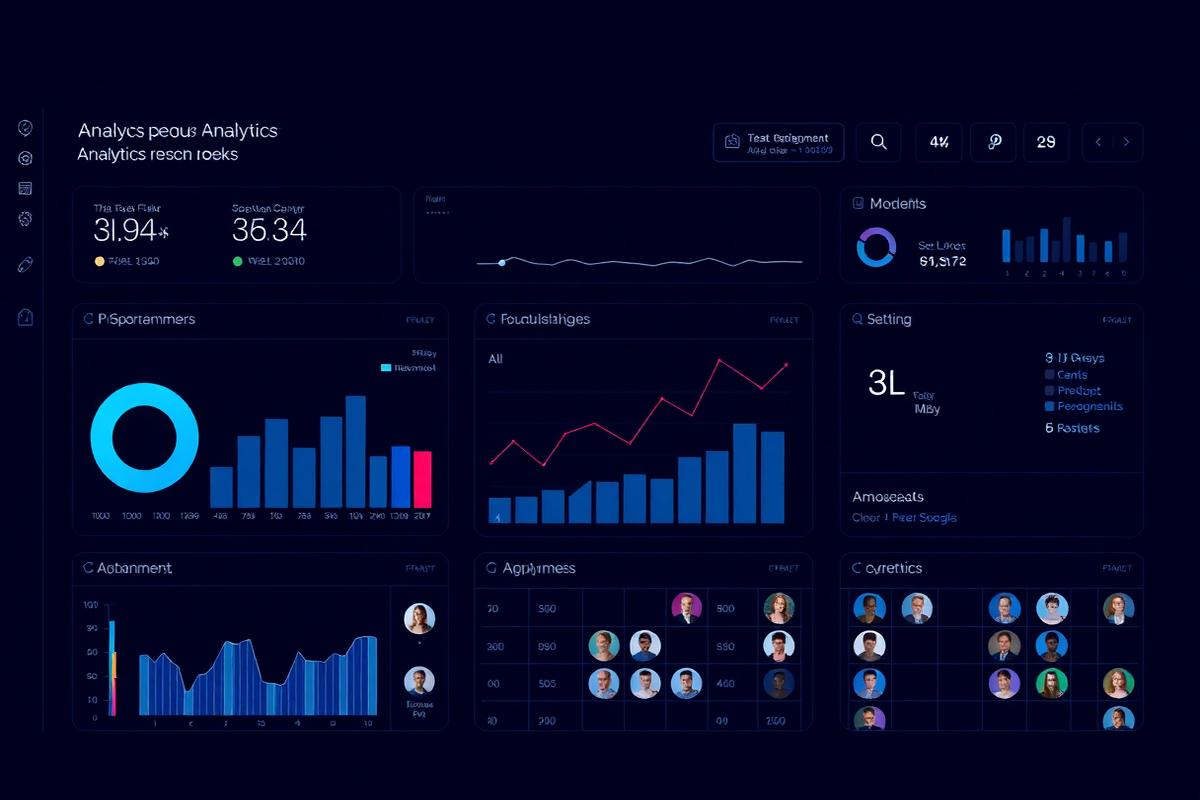
A workforce analytics solution that consolidated employee data into a single reporting view, helping leadership analyze headcount, training completion, workload distribution, and workforce trends.
Power BI
SQL
Python
Excel
Business Problem
Workforce data lived in several systems, making staffing, training, and retention questions slow to answer.
Solution
A consolidated people analytics dashboard covering headcount, training completion, and workload distribution.
Requirements
Unified headcount and training view
Trend analysis across periods
Manager level self service filtering
Protected handling of sensitive fields
Architecture
Python preparation scripts for source normalization
SQL warehouse tables as the reporting layer
Power BI model with role level security
Scheduled refresh with validation checks
My Role
Defined metrics with HR and program leadership
Built the data preparation pipeline
Developed the dashboard and security model
Trained managers on self service usage
Challenges
Protected sensitive employee information while still providing managers with useful workforce insights.
Standardized inconsistent source data to create reliable metrics across reporting periods.
Lessons Learned
Established data quality and validation rules early, recognizing that reliable analytics depends on consistent source data.
Designed access and reporting with privacy in mind, balancing useful workforce insights with appropriate protection of sensitive information.
Business Impact
Reduced reliance on manually assembled reports and recurring ad hoc data requests.
Gave managers self-service access to recurring workforce metrics and trends.
Improved reporting consistency by consolidating workforce data into a governed analytics view.