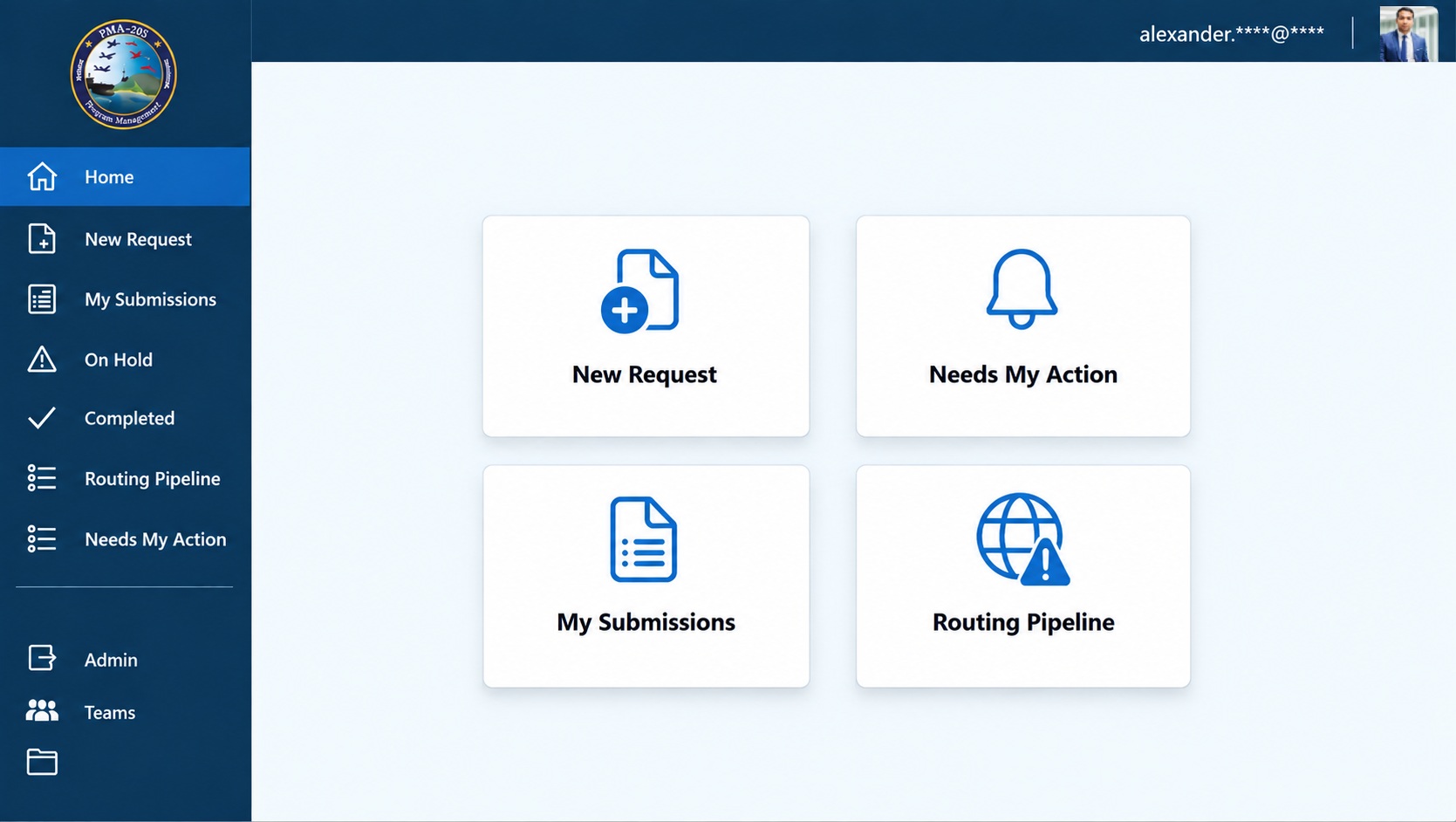
An end-to-end document routing and approval solution built to manage complex review workflows across multiple teams. The application centralizes document submission, routing, team reviews, approval tracking, comments, attachments, due dates, and status management in a single interface.
Power Apps
Power Automate
SharePoint
Microsoft 365
Business Problem
Document reviews and approvals required coordination across multiple teams, creating delays, limited status visibility, and significant manual follow-up throughout the routing process.
Solution
A centralized document routing application that manages submissions, multi-team reviews, approvals, comments, attachments, due dates, and routing status through a structured digital workflow.
Requirements
Centralized document submission and tracking
Multi-team review and approval routing
Real-time visibility into request and approval status
Comments, attachments, and review history
Due-date and pending-action tracking
Role-based views for requestors, reviewers, and administrators
Architecture
Power Apps front end for document submission, review, and status management
SharePoint lists for request details, reviews, attachments, and comments
Power Automate workflows for notifications and routing processes
Request IDs used to connect related records across the application
My Role
Designed and developed the application and user experience
Built multi-team routing, review, approval, and status-tracking functionality
Structured SharePoint data for requests, reviews, attachments, and comments
Developed automated notifications and approval-status logic
Challenges
Coordinated review status across multiple teams while maintaining a clear overall request status
Connected requests, reviews, attachments, and comments across separate SharePoint lists
Designed the interface to give requestors and reviewers different views of the same routing process
Lessons Learned
Structured request and review data around a shared Request ID to simplify relationships across multiple SharePoint lists.
Designed status logic around the complete review lifecycle so users could quickly identify pending actions, completed reviews, and requests placed on hold.
Business Impact
Reduced manual follow-up by centralizing document status and reviewer activity.
Improved visibility into pending actions, team approvals, and overall routing progress.
Created a consistent digital workflow for document submission, review, comments, and approval tracking.
Future Improvements
Expanded workflow analytics and reporting
Additional configurable approval paths
Enhanced administrative workflow controls
Screenshots
Multi-Team Approval Routing & ReviewDocument Submission & Status Tracking